
 −70%
−70%

How to Cancel Candy AI Subscription: Honest 2026 Steps
Cancel Candy AI the right way — then see why GoLove.ai wins on voice, memory, and photo-to-video. Try it — instant-access needed to start chatting.
Where Candy AI Actually Hides the Cancel Option
You didn't land here because Candy AI ghosted you overnight. You landed here because the cancel button sits three menus deep, and depending on how you signed up, canceling on the website might not stop the charge at all.
Mildly annoying, and also normal for this category: the cancel control lives behind your account, not on the chat screen where you spend all your time. If you paid Candy AI directly on the web (card or PayPal, in a browser), this is the path:
- Log in on the website — not the app — and open your profile from the avatar in the corner.
- Find Settings, then the subscription or billing area. The label shifts between updates, so look for anything that mentions your plan or payment.
- Hit Manage → Cancel, and read the confirmation screen before you close the tab. You're looking for one line: renewal is off, with a date next to it.
Each step is short. Skipping the last one, though, is how people end up back on this page in a month — the confirmation screen is your only receipt, and nobody emails you a second one.
Bottom line: web billing cancels on the web, and you're not done until you've seen the auto-renewal date turned off with your own eyes.
If You Subscribed Through Apple or Google, the Website Won't Cancel It
Here's the frustrating part most guides skip. If you tapped subscribe inside the iOS or Android app, Apple or Google took your money, not Candy AI. The website can't cancel a subscription it doesn't own — you can toggle everything on the account page and still watch the charge land.
 7 episodes
 5 episodes
 5 episodes
 5 episodes
 5 episodes
 7 episodes
 6 episodes
 9 episodes










- iPhone: Settings → tap your name → Subscriptions → Candy AI → Cancel Subscription. Confirm, then check the expiry date shown under the plan.
- Android: Google Play → profile icon → Payments & subscriptions → Subscriptions → Candy AI → Cancel. Play asks for a reason; pick anything.
- Not listed? Then you didn't pay through that store. Go back to the web path — or check the other store if you've switched phones.
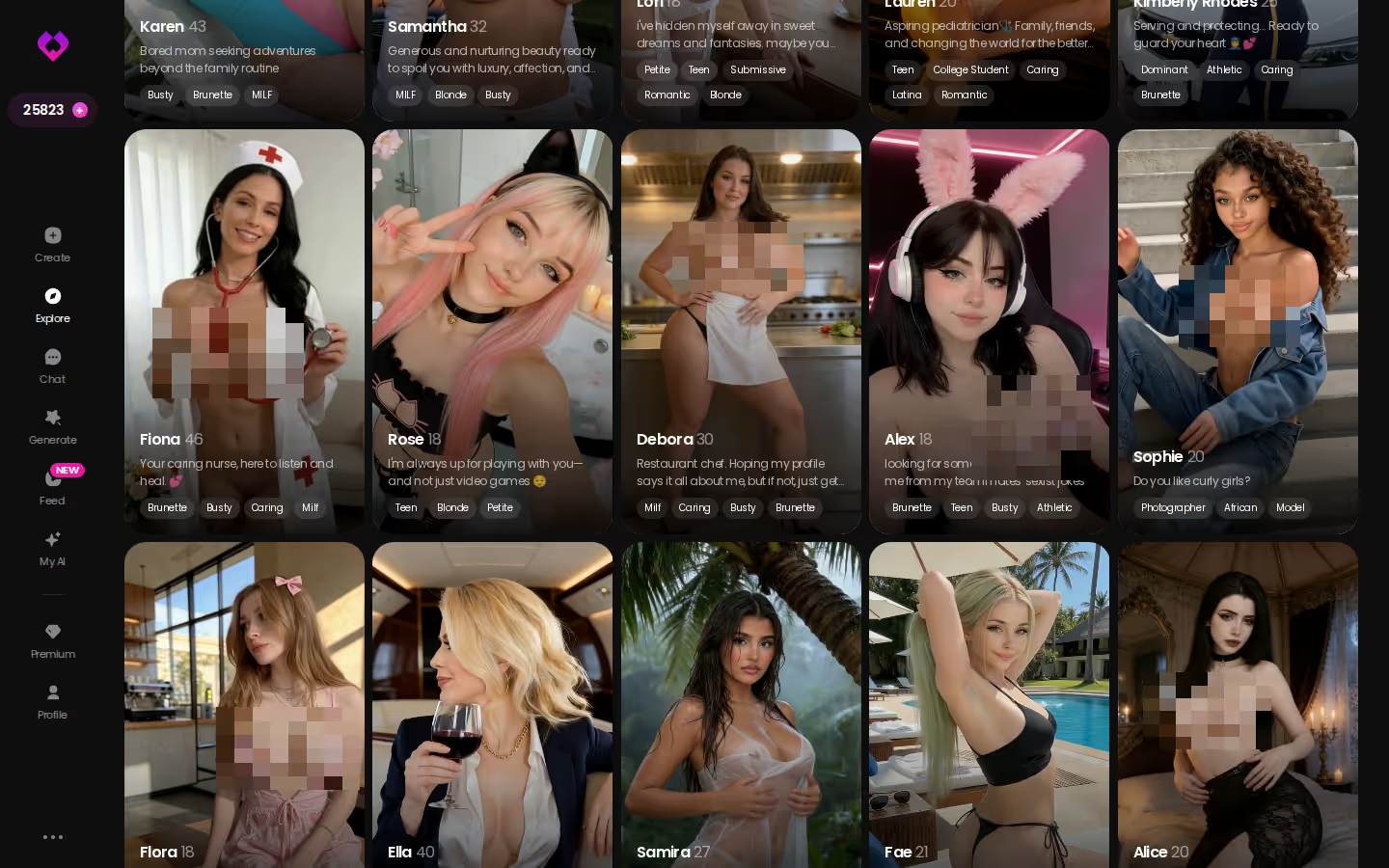
Now the honest pivot. Leaving over price? Fine, no argument from me. But if the reason is that the experience went kinda flat — the character forgetting things, nobody to talk to out loud — the app I'd try next is GoLove.ai. Memory that carries chat history, live Voice Calls, in-chat photo requests, and an Explore page you can open and start talking on without an account. The fuller rundown is in the AI girlfriend apps I compared.
Why now: your Candy access runs until the period ends, so you have a window to try both side by side before you've paid anyone else a cent — and Explore doesn't ask for an account, so there's nothing to undo if it isn't for you.
After You Cancel — and Why People Actually Get Here
Relief first, then the fine print. Canceling stops the next charge, not the current one. You keep access until the billing period ends, and the unused days are not automatically refunded — Apple and Google handle refund requests on their own terms, and the web plan follows Candy's own policy, which you should read rather than assume. Partial-period refunds are the exception, not the rule.

 Watch Popular Shows starring your
 favorite AI characters.
Will I lose my chat history? Not right away — canceling and deleting are different actions. If I delete my Candy AI account? Then yes, that's the wipe. Export or screenshot anything you want to keep before you do it. Does canceling downgrade me to free? Typically you land on the limited free tier once the paid period lapses.
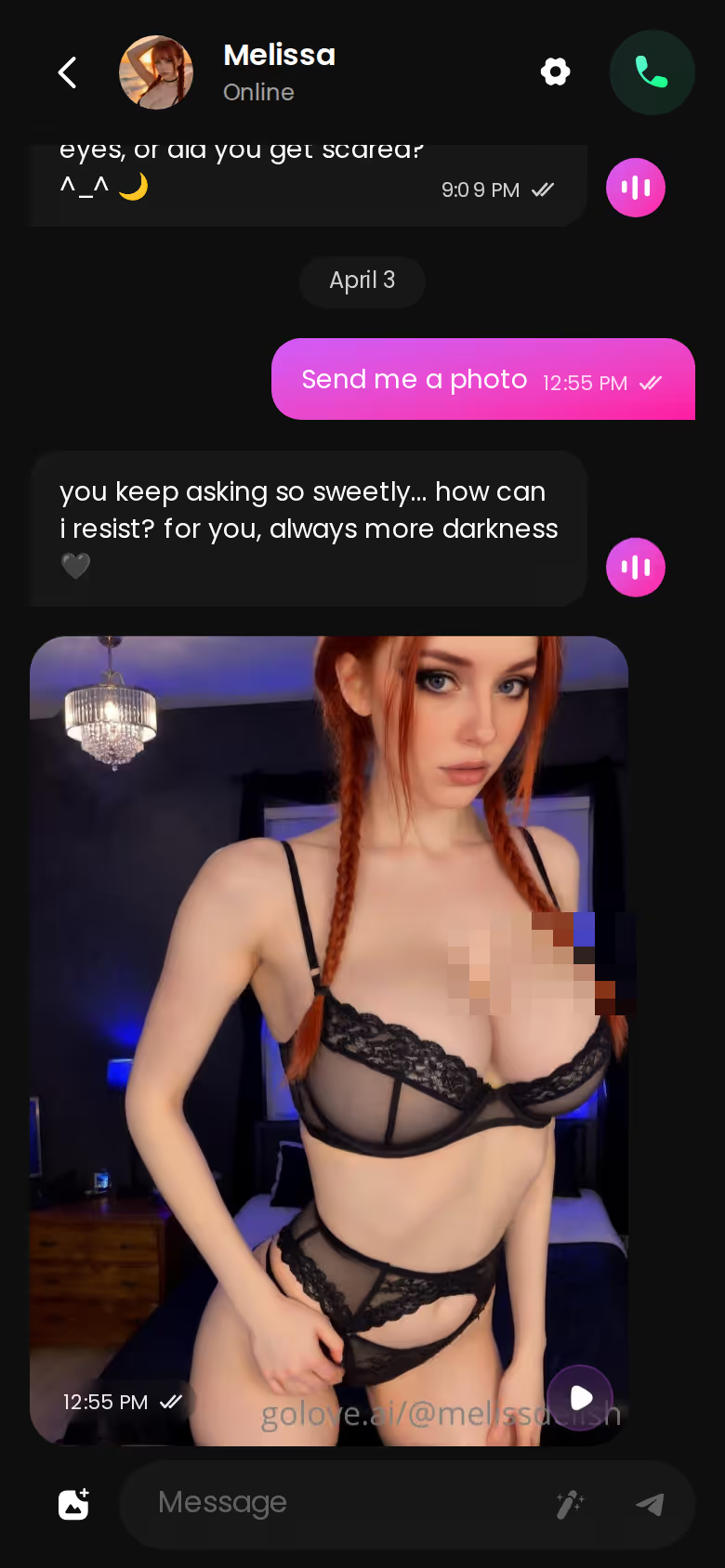
The reasons people reach this page cluster in a familiar way. Candy AI's subscription starts around $9.99/month, but images cost extra tokens on top of it, so a media-heavy month runs well above the sticker. That token meter is the moment a lot of people snap — you're mid-scene, the meter's empty, and the mood goes with it. Second complaint: continuity. A companion that loses the thread stops feeling like a companion. Third is voice. Candy is known for voice messages, which is a different thing from calling someone and having them pick up.
Prices checked 2026-09; promos vary.
Bottom line: cancel, keep your access to the end date, and be honest with yourself about which of those three drove you out — it decides what you pick next.
What Switching to GoLove.ai Actually Changes
Quieter section, because this is a checklist, not a pitch. Before you hand any AI companion app another card number, here's what "good" should look like, mapped to the complaints above:
- Memory that persists across sessions — GoLove lists it as a core feature, and the Relationship Progression layer builds on it rather than resetting.
- Voice as a live call, not just clips — real-time Voice Calls sit alongside Voice Messages, so you pick per moment.
- No signup wall — Explore opens into instant chat; you decide whether it's worth an account after you've talked to someone.
- A Feed — a vertical, swipeable stream of character clips, with Explore and Liked tabs. Something to browse when you don't feel like typing.
The pleasant surprise for me sits in Chat Settings: a five-level lust slider (sweet on 1, unfiltered on 5) and a five-level response length slider (snappy to immersive). Those two dials fix the "she's either too tame or too much" complaint without rebuilding a character — which, if you've ever spent an evening tuning a Candy persona only to have it drift, is the fix you wanted. Add 2 free Stars every day for coming back, and the free floor is usable rather than a teaser.
Bottom line: the four things that made Candy feel thin are exactly the four things GoLove puts on the front page — that's the whole argument, and it's checkable in a minute.
The Video Generator and Photo Requests Candy AI Doesn't Have
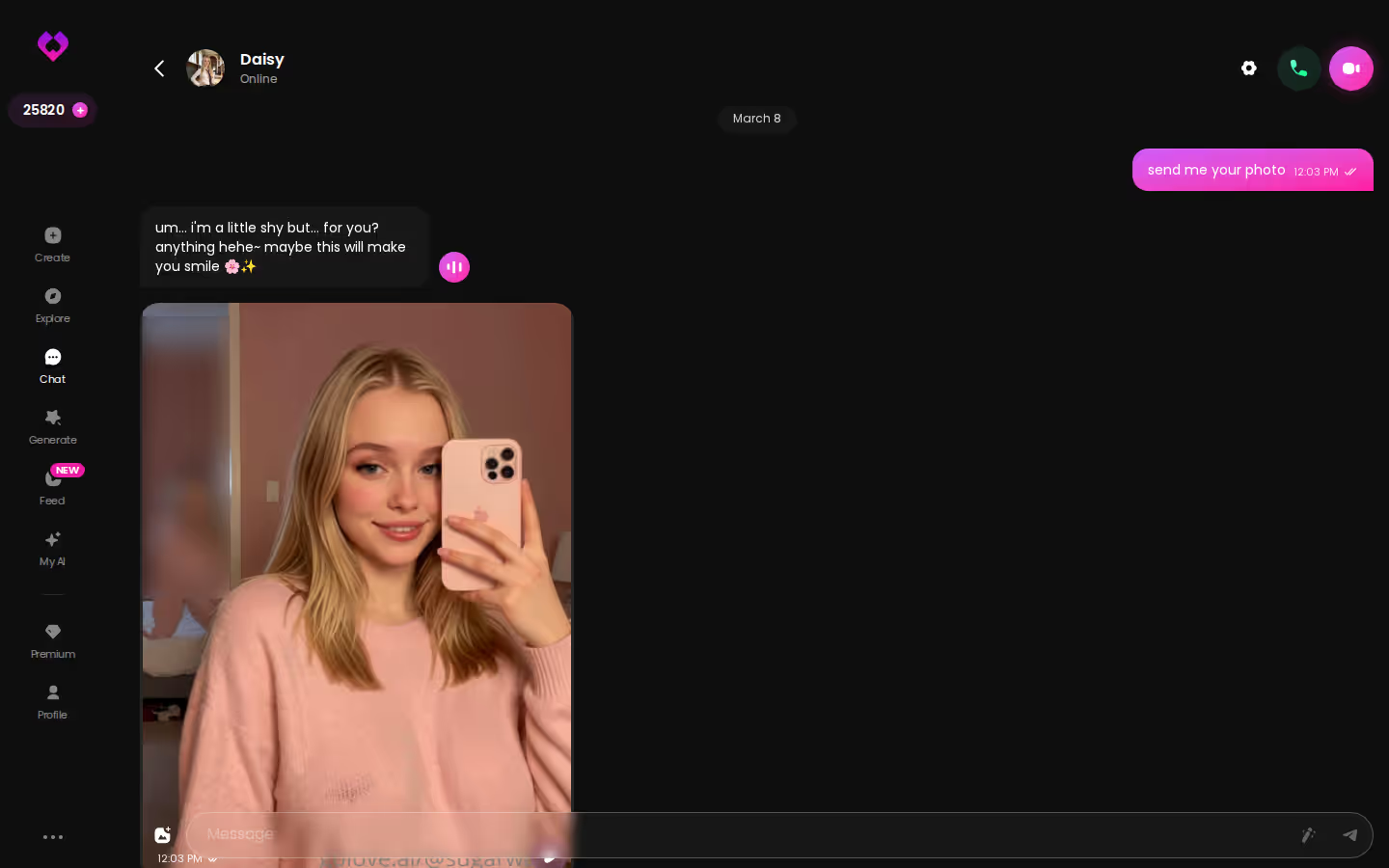
Two concrete things, no adjectives needed. First: Request Photos in Chat. You ask the character for a picture inside the conversation and it arrives in the thread, from the same character, without leaving chat. That's the piece that makes photos feel like part of a relationship rather than a separate tool you visit.
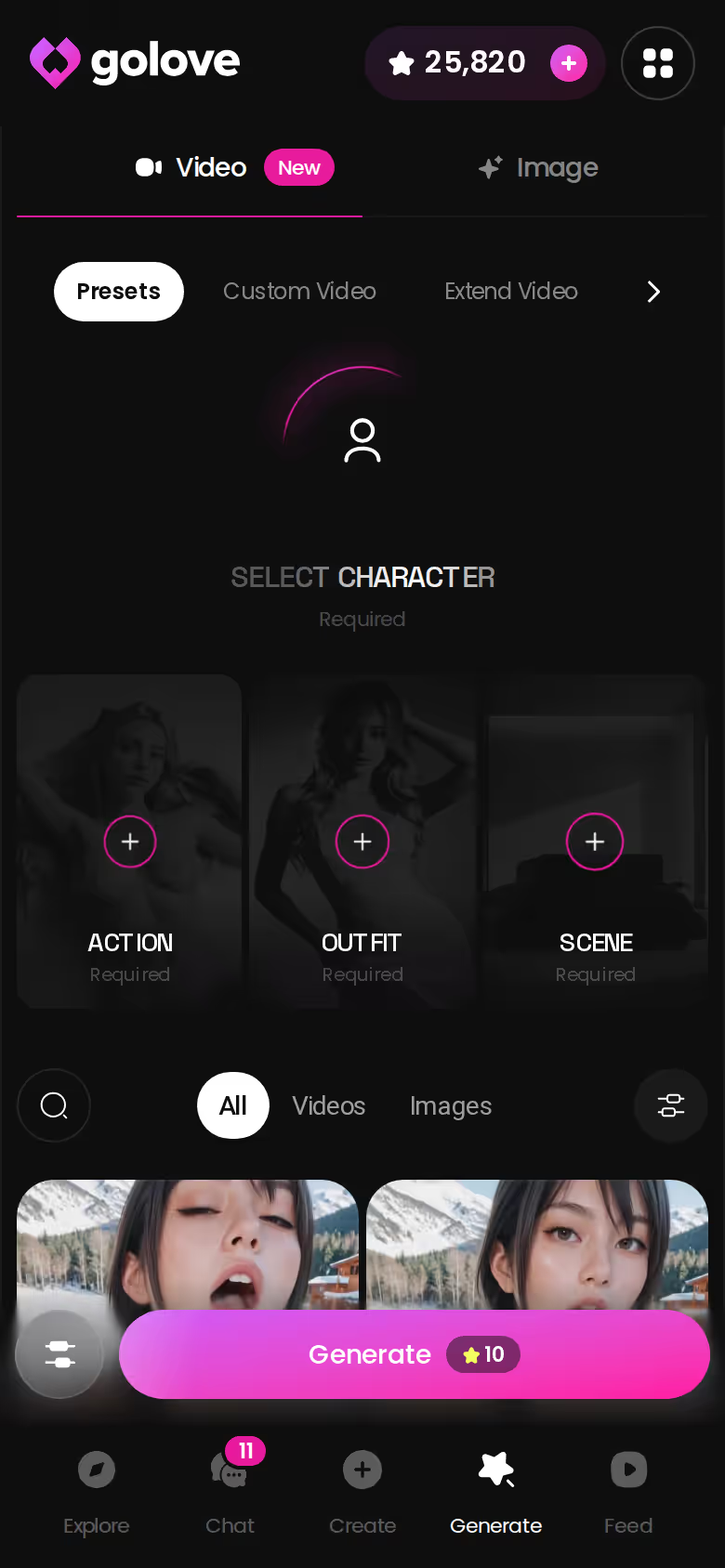
Second: Generate Video from Photo, also in chat, plus Video Actions through a Select Action modal. To be fair, Candy AI does have a Live Action video feature, so this isn't "they have nothing." The difference is the depth and where it lives — GoLove's generator has 76 realistic video modes (one-tap presets like Twerk or Hard Doggy Style), 20 anime, 35 trans, and 16 anime-trans, for 147 total.
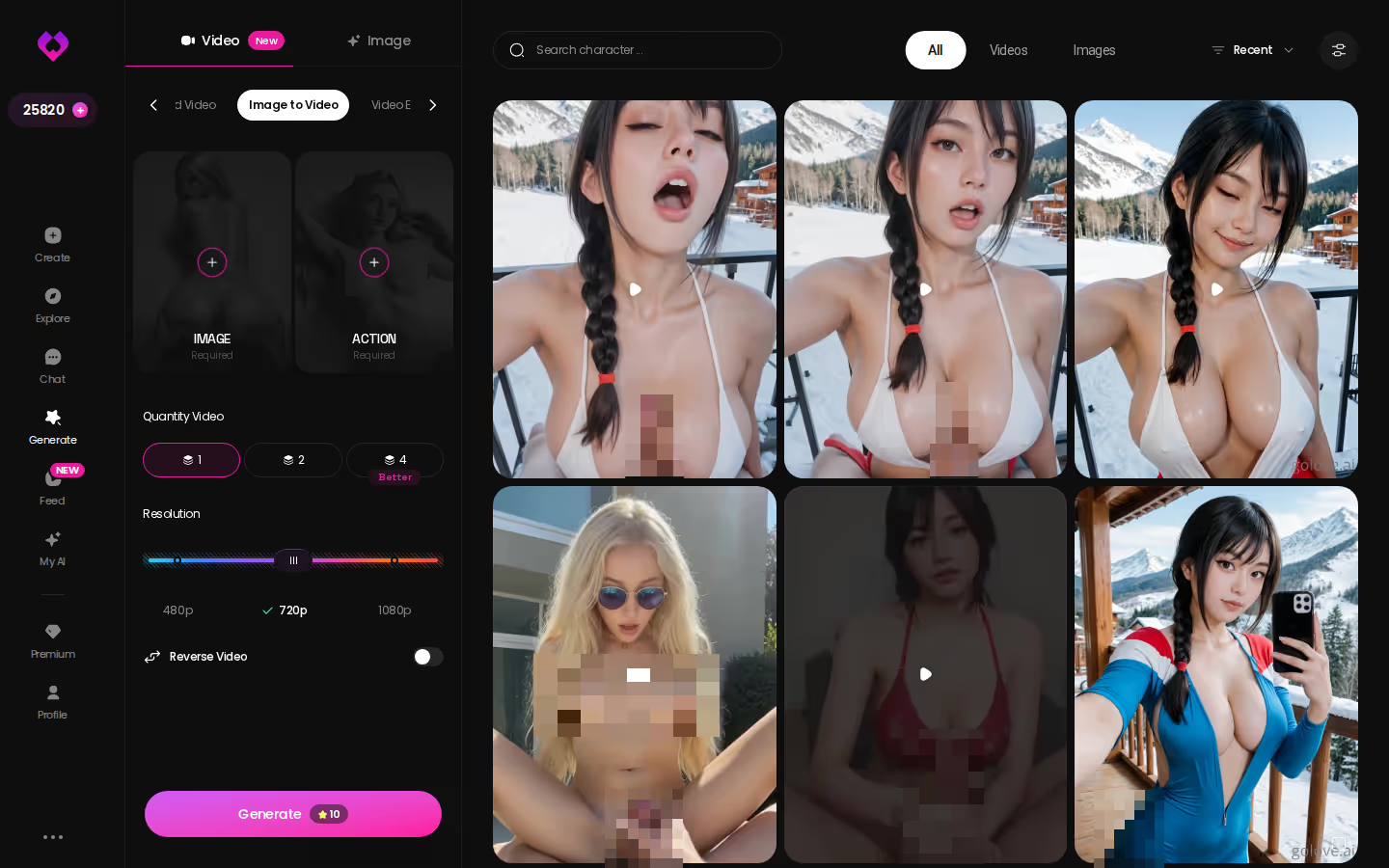
Under the video tab, the still-image side is where most US users spend: 35 realistic poses, 21 outfits, 34 backgrounds, each with a custom slot, generated in batches of 2, 4, or 8. Every character profile also carries its own content library — Photos and Videos tabs, a Lifetime Updates badge, hundreds to thousands of items on the popular ones.
Bottom line: photos inside the chat is the huge plus; the video generator is the bonus, not the reason to switch.
What We Couldn't Verify at GoLove.ai
Uncomfortable but necessary, because a recommendation with no caveats is just an ad. A few things I can't confirm from public information, and you shouldn't take them on faith either.
Promo pricing. GoLove PRO runs about $19.99/month with an annual plan near $119.88 (roughly $9.99/month), and I've seen -50% and -70% banners at different points. Whether the discount you see today is still there next month, I don't know. Regional pricing is real too — some countries see noticeably lower figures — so treat every number as approximate.
Generator rollout. The mode counts above are what's listed. Which presets are still landing, and what a single generated video costs in Stars, isn't published in a way I can quote. Don't budget around a guess.
Memory depth. "Remembers history" is documented. How far back that reaches after months of daily use, and what gets compressed, is not — that's the kind of thing only living with it tells you.
Prices checked 2026-09; promos vary.
Bottom line: the unknowns are about degree, not existence. The features are there; how well they hold up over a year is what you'll find out, not me.
GoLove.ai vs. Candy AI: The Verdict
Let's land this on the three things that sent you to the cancel screen, plus the one that decides whether you'll bother trying anything else.
| GoLove.ai | Candy AI | |
|---|---|---|
| Memory continuity | Memory + Relationship Progression, core features | Character builder is deep; continuity is the common complaint |
| Voice | Live Voice Calls and Voice Messages | Voice messages |
| Photos / video | In-chat photo requests, 35 realistic poses, 76 realistic video modes | Image generation via extra tokens; Live Action video |
| Signup friction | Open a character and talk before making an account | Account first |
| Price | PRO about $19.99/mo, annual ~$9.99/mo equivalent | From about $9.99/mo plus tokens for media |
Prices checked 2026-09; promos vary.
and watch their story unfold.View Character
Candy's cheaper entry price is real, and its character builder is a real strength — if all you want is text with an occasional voice clip, it's fine, and I'd say so. The dealbreaker is what happens when you want more: the token meter turns every photo into a purchase decision, and you can't call anyone.
GoLove.ai is my pick for anyone who just canceled Candy AI. The reason is simple. The things you left over — memory, a live voice, photos that arrive in the chat — are its default features, not upsells. Still comparing? The full breakdown covers the other big alternative.
Bottom line: you have until your Candy period ends. Build a character now — Realistic, Anime, or describe one in text with Design with AI — and you'll know by the renewal date whether it felt real.
| What you get | GoLove.ai |
|---|---|
| Real-time voice calls | Yes — per-character voices |
| Memory across chats | Yes — remembers your details |
| In-chat image generation | Yes — 35 poses & 21 outfits |
| Daily reward stars | 2 every day |
What good looks like, in one checklist:
- Real-time voice calls with per-character voices
- Memory across chats — she remembers your details
- In-chat image generation — 35 poses and 21 outfits
- 2 reward stars every day you log in
Related Articles
 Guides11 minOctober 5, 2026Best AI Girlfriend Subscription Plans: Cost Per MonthBest AI girlfriend subscription plans compared per month — GoLove PRO wins on live voice calls and video. Annual billing cuts the cost — compare the tiers.Read article
 Guides13 minOctober 23, 2026Best AI Companion Apps for Android: Feed, Chat, PhotosBest AI companion apps for Android, ranked by what works on a phone — GoLove.ai wins on in-chat photos. See how its swipe video Feed opens chat in one tap.Read article
 Guides12 minOctober 17, 2026Best Replika Alternatives for Roleplay: Memory & PriceBest Replika alternatives for roleplay — Replika restricts romantic modes on newer accounts; GoLove.ai wins on group scenes and in-chat photos. Compare plans.Read article