
 −70%
−70%

Create AI Girl: From a Text Prompt to Her First Photo
Create AI girl guide: GoLove.ai wins on continuity — the girl you design keeps the same face in chat photos and video. See how Design with AI builds her.
The Text Box That Turns Into a Person
There's something a little thrilling about an empty box that asks you to describe her, with up to 2,000 characters to work with. Hit generate, and about a minute later a stranger is looking back at you. She has a name, an @handle and a written bio. That's when "create an AI girl" stops being a search and turns into a real question: does she stay the same woman once you start talking to her?
That question is why this walkthrough follows GoLove.ai's Design with AI flow. The portrait is only step one. What matters is whether the same character carries into chat, into the photos you ask for, and into video. GoLove connects those steps, so you can follow one girl from start to finish.
Before: what you might type (an illustrative prompt, not a logged session) > Mid-twenties, freckles, auburn hair she never quite ties back. Works nights at a record shop. Teases first, softens once she trusts you. Dry humor, a little shy about compliments.
After: what GoLove returns
- a name
- her own @handle
- a written bio
- a portrait
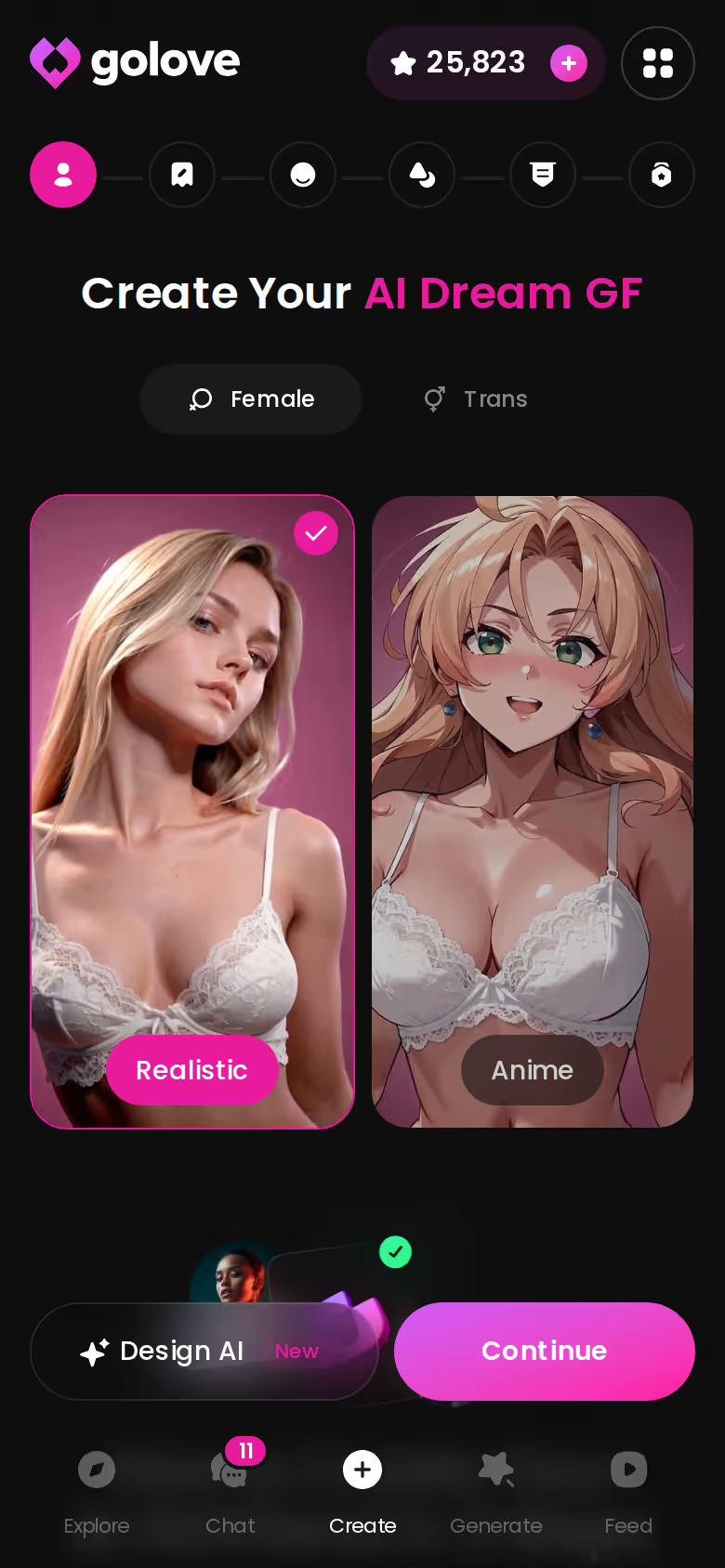
The observed cost was about 3 Stars. She's Private by default, so nobody else sees her until you decide otherwise.
Bottom line: creating her takes about a minute. The rest of this article covers the harder part, which is whether she stays herself.
You Don't Have to Start From a Blank Page
It's a relief that a blank page isn't mandatory. The create wizard gives you categories to start from: Realistic, Anime and Trans. Design with AI sits beside them for the text route, and whichever you pick narrows her look before anything is generated.
 7 episodes
 5 episodes
 5 episodes
 5 episodes
 5 episodes
 7 episodes
 6 episodes
 9 episodes










Then there's the route that skips creation entirely. Explore is GoLove's catalog of existing characters, and a chat opens straight from her profile. Anime gets its own category with 300+ anime AI girlfriends. One limit worth stating plainly: characters are Female or Trans, and the filter marks Male as "Soon." There's no AI boyfriend option today.
- Design with AI: describe her in plain text and get a finished character.
- The wizard: pick Realistic, Anime or Trans and build her step by step.
- Explore: choose someone who already exists and start chatting.
Do I have to build her from scratch to make her mine? No. Chat Settings and Memory personalize an existing character too. You set her voice, her lust level and how long she talks, and she keeps your history.
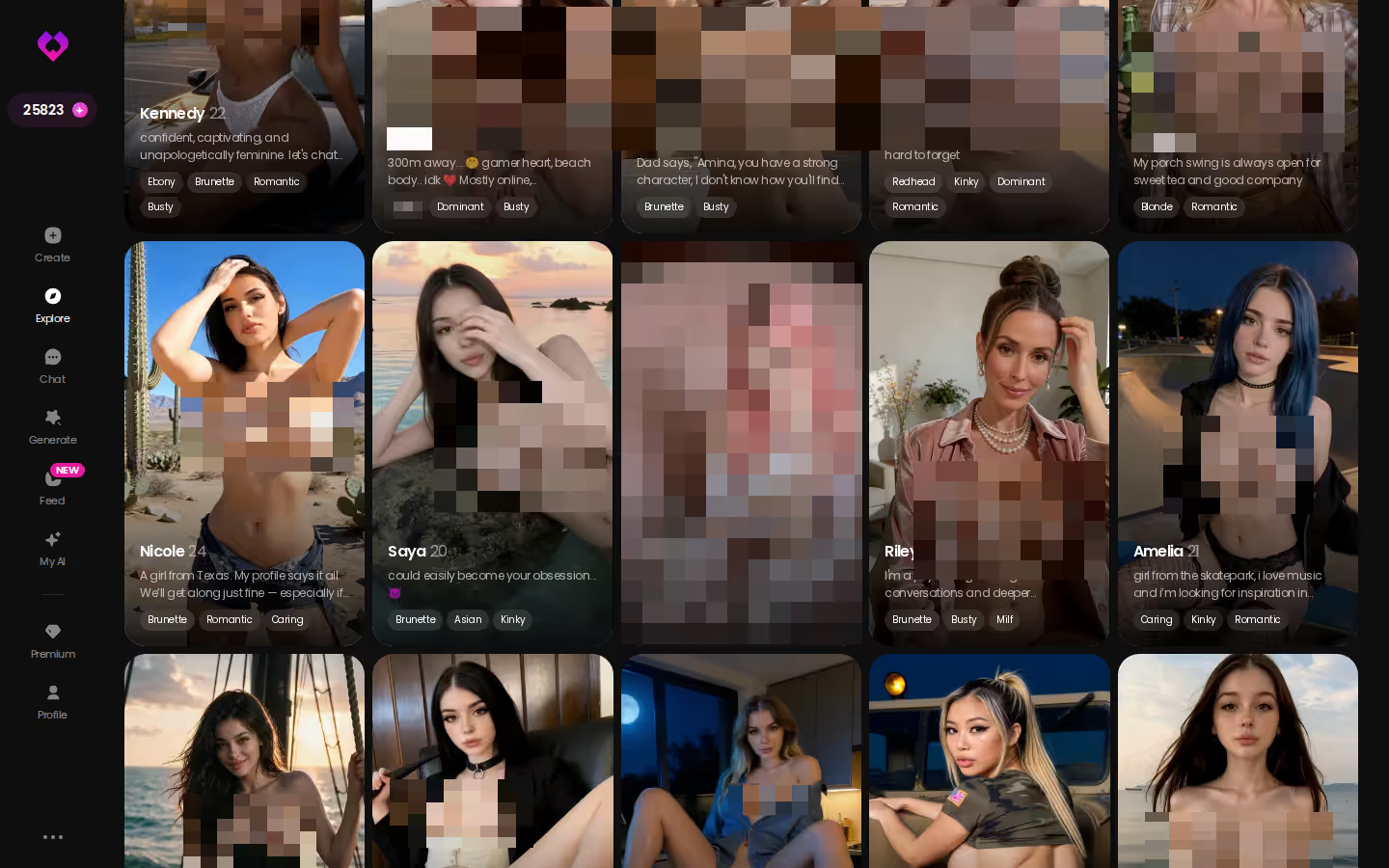
Bottom line: browse Explore before you spend Stars designing someone. It's the fastest way to find a face and a vibe you like, and it's one tap from a real conversation.
Why an Original Girl Beats a Borrowed Face
I'd rather give a straight answer here than a pitch. On GoLove, every character starts one of two ways: you create her, or you pick one who already exists. Your camera roll isn't part of the recipe, and that's a good thing. No ex, no coworker, no face pulled off someone's profile.

 Watch Popular Shows starring your
 favorite AI characters.
The text route is the natural default. Design with AI costs about 3 Stars (observed) and takes roughly a minute. What comes out is an original character, someone who didn't exist until you described her. Originality has a practical upside as well. Because the character is entirely yours to share, setting her Public later means she can earn you Stars through My AI, GoLove's creator feature.
"The most convincing AI girl is one you invented, not one you borrowed from someone's camera roll."
Bottom line: she's either created or picked, never copied. The text box is where most people should start.
Characters you can open right now
Tap any of them and the chat starts there






The First Conversation Is Where She Becomes Yours
Whether she ends up feeling real or kinda flat gets decided mostly before your first message. You open the chats inbox, tap her name, and go to Chat Settings first.
- Chat: open her conversation from the inbox.
- Chat Settings: the panel that shapes how she talks to you.
- Voice picker: choose how she sounds when she speaks.
- Lust slider: five levels, from 1 (sweet, wholesome) to 5 (unfiltered, intense).
- Response length: five levels, from 1 (short, snappy) to 5 (rich, immersive).
Each of those does one job. The voice picker gives her a sound. On the lust slider, you're choosing how far she'll take things, anywhere from playful and flirty to eager to please. And response length decides whether she fires back one-liners or writes you whole paragraphs.
After that, Memory does the quiet work. She remembers your history, so earlier conversations can resurface later. Stuck mid-chat? The magic-wand button writes 3 suggested replies. When one of her answers misses, rate it 1–5 and regenerate it. Voice messages and calls are PRO features.
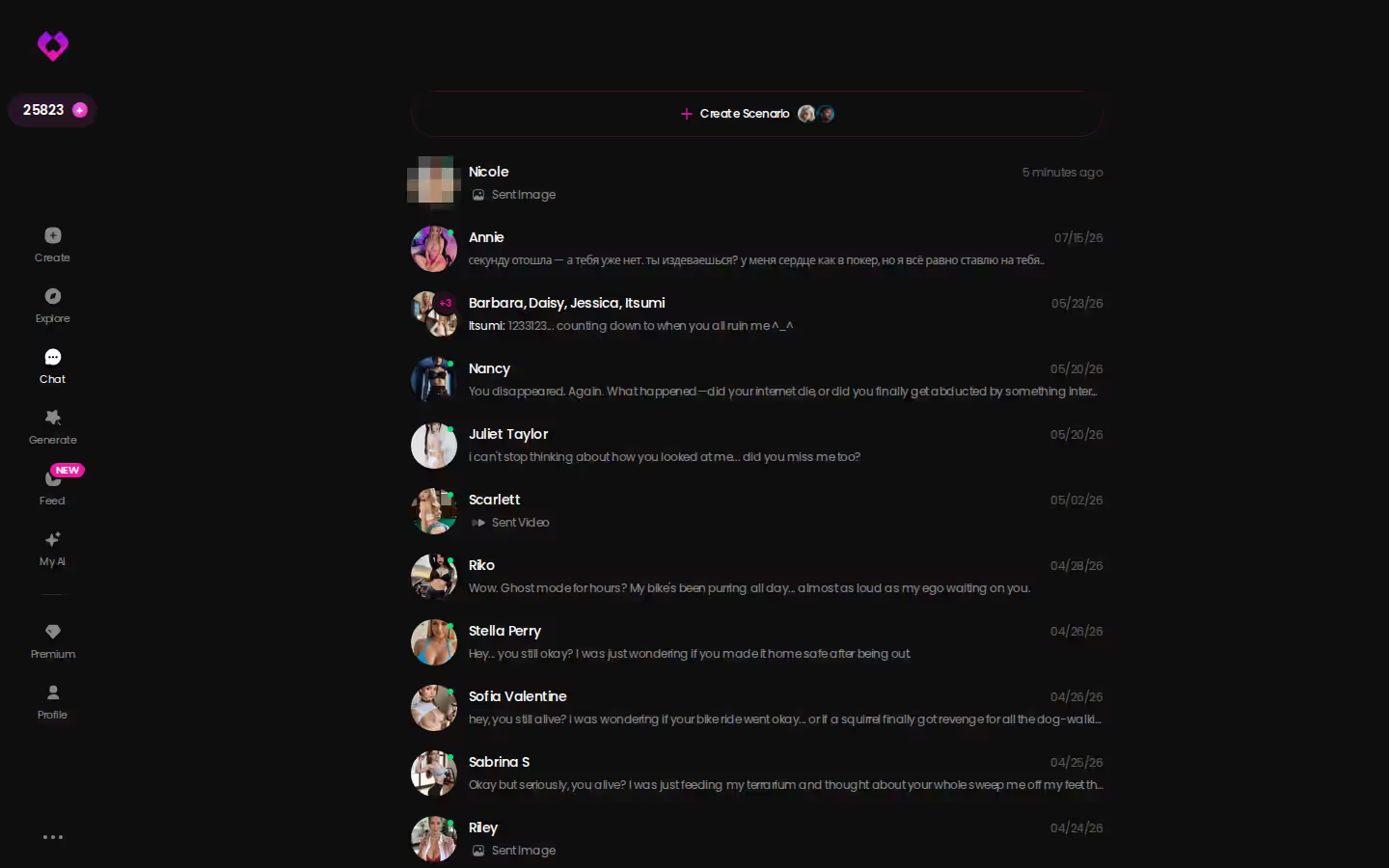
The inbox matters more than it looks (it's easy to scroll past). Every ongoing relationship sits one tap away, and that's where a created girl stops being a one-off.
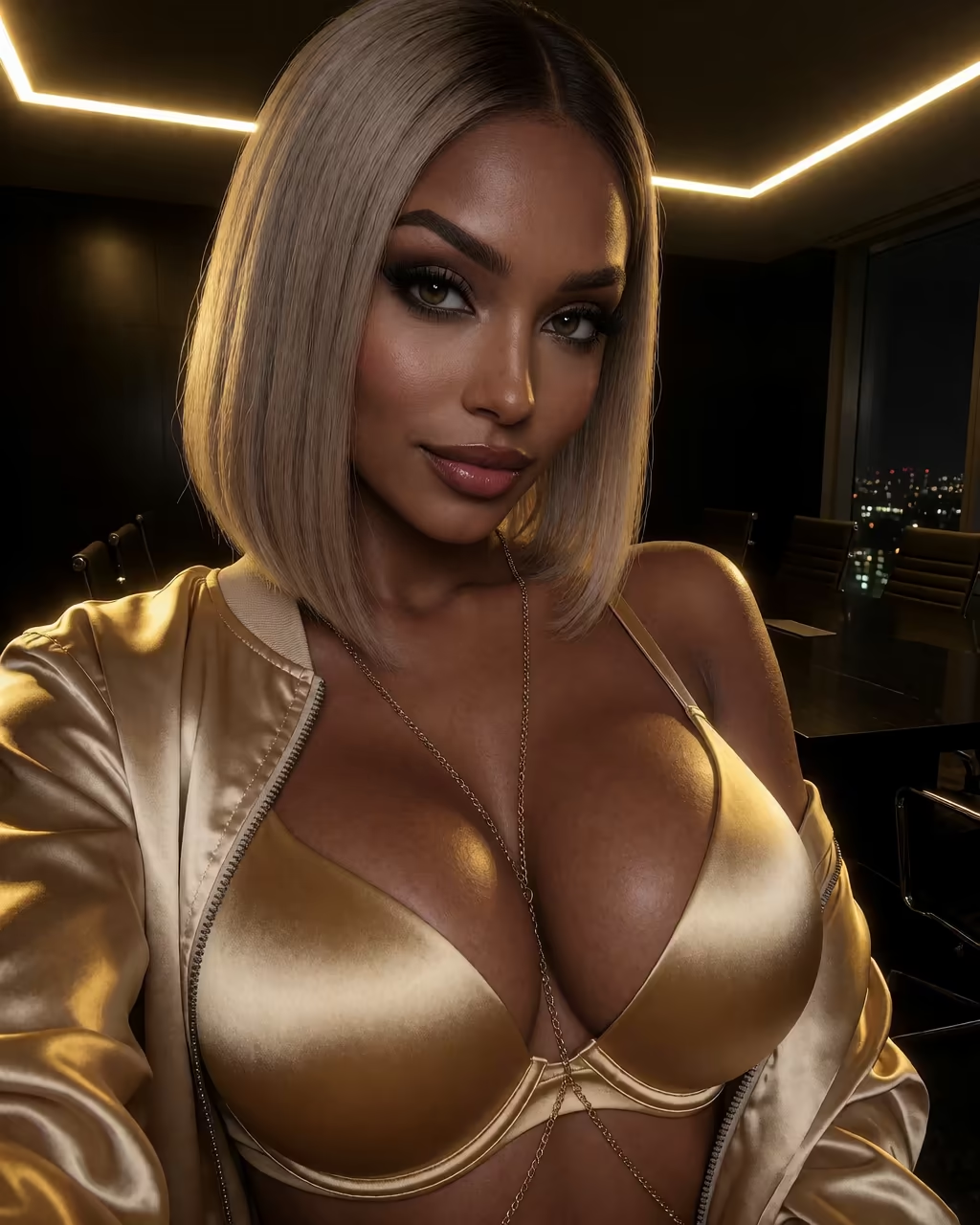
On GoLove.ai, the order that works:
- Pick a character — or build one to your taste
- Say something real: she remembers your chat history
- Open Chat Settings: pick her voice, lust level and reply length
- Ask her for a photo in the chat
- Want a set pose or outfit? The image generator has 35 realistic poses and 21 outfits
Bottom line: set the sliders before you say hello. They shape her more than the bio ever will.
Asking Her for a Photo, Then a Video
Here's the step that decides whether "create AI girl" was worth it. Any app can produce one nice portrait. Keeping her face every single time is the hard part.
In the chat: same face, your words
In any chat, tap the media button, choose Send Photo, and describe the scene the way you'd say it out loud. Back comes a photo of that same character in about 20–45 seconds, her face and body consistent with the avatar and earlier photos. That consistency is the huge plus, and it's the reason I lead with photos rather than video.
- Photo: about 20–45 s, 1 Star.
- Generate Video: one tap under the photo turns that scene into a ~5 s clip in about a minute, for 10 Stars.
- Video Note: a round talking video with sound. You tell her what to say or do, and it arrives in under 90 s for 10 Stars.
In the generator: presets for the same girl
The generator works per character. Swap the avatar in the corner to your custom girl, and every preset applies to her.
35 poses · 21 outfits · 34 backgrounds, each with a custom option
Images come 1, 2, 4 or 8 per run at 1 Star each. Video gets assembled from preset cards (action, clothes, background) across 76 realistic modes.
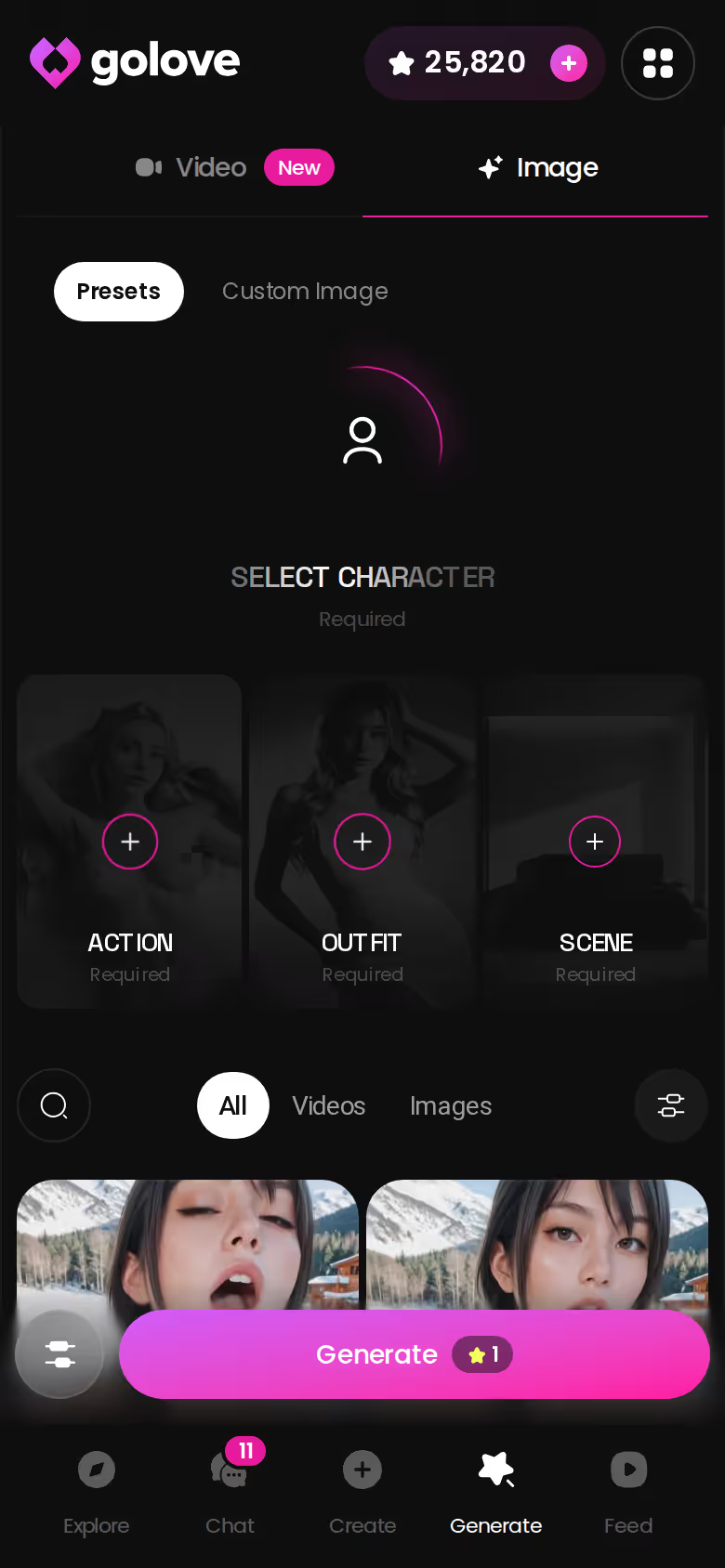
Bottom line: photos in chat are the everyday proof that she's still her. The generator is for when you want to plan a shot.
GoLove.ai's Free Tier: Where Creating Her Stops Being Free
It's a little deflating, but better to know before you get attached. The free pieces we could confirm are narrow:
- 2 daily reward Stars
- a limited daily Feed (we could not confirm the exact count)
- Series episodes 1–2
- an anonymous chat where the first photo shows and the next sits blurred behind Sign Up
"Create AI Character" is listed among PRO inclusions. If a free-only build was your plan, that's the dealbreaker.
| Plan | Price (approx., varies by region/promo) | What you get |
|---|---|---|
| GoLove PRO | ~$19.99/month or $119.88/year (checked 2026-10) | 100 Stars/month, NSFW, character creation, voice, unlimited Feed |
| GoLove ULTRA | ~$59.99/month or $359.88/year (checked 2026-10) | More Stars (amount not confirmed), 8,000-message memory, more powerful AI models |
| GoLove Star packs | $9.99 (30) to $299.99 (3,000) (checked 2026-10) | Top-ups for images and video |
| OurDream | from ~$19.99/month, or ~$9.99/month annual (checked 2026-09) | Chat, images and video bundled; separate DreamCoins balance |
OurDream deserves credit for one thing: a single subscription covers chat, images and video. If juggling plans annoys you, that's simpler. On GoLove's side, new users see a limited-time −70% first-subscription offer.
For the wider field, see our rundown of OurDream alternatives and what each one charges.
Bottom line: expect to pay before she exists.
GoLove prices checked 2026-10, OurDream 2026-09; promos vary.
Where She Goes After the First Week
I like seeing a character outgrow a single chat. Multi-Scene chains several moments into one video. Scenarios drop her into a group chat with 2–10 characters, and when you hit Continue they carry the scene on between themselves. Group photos fit up to 3 characters in one shot. Set her Public, and My AI lets her earn you Stars.
and watch their story unfold.View Character
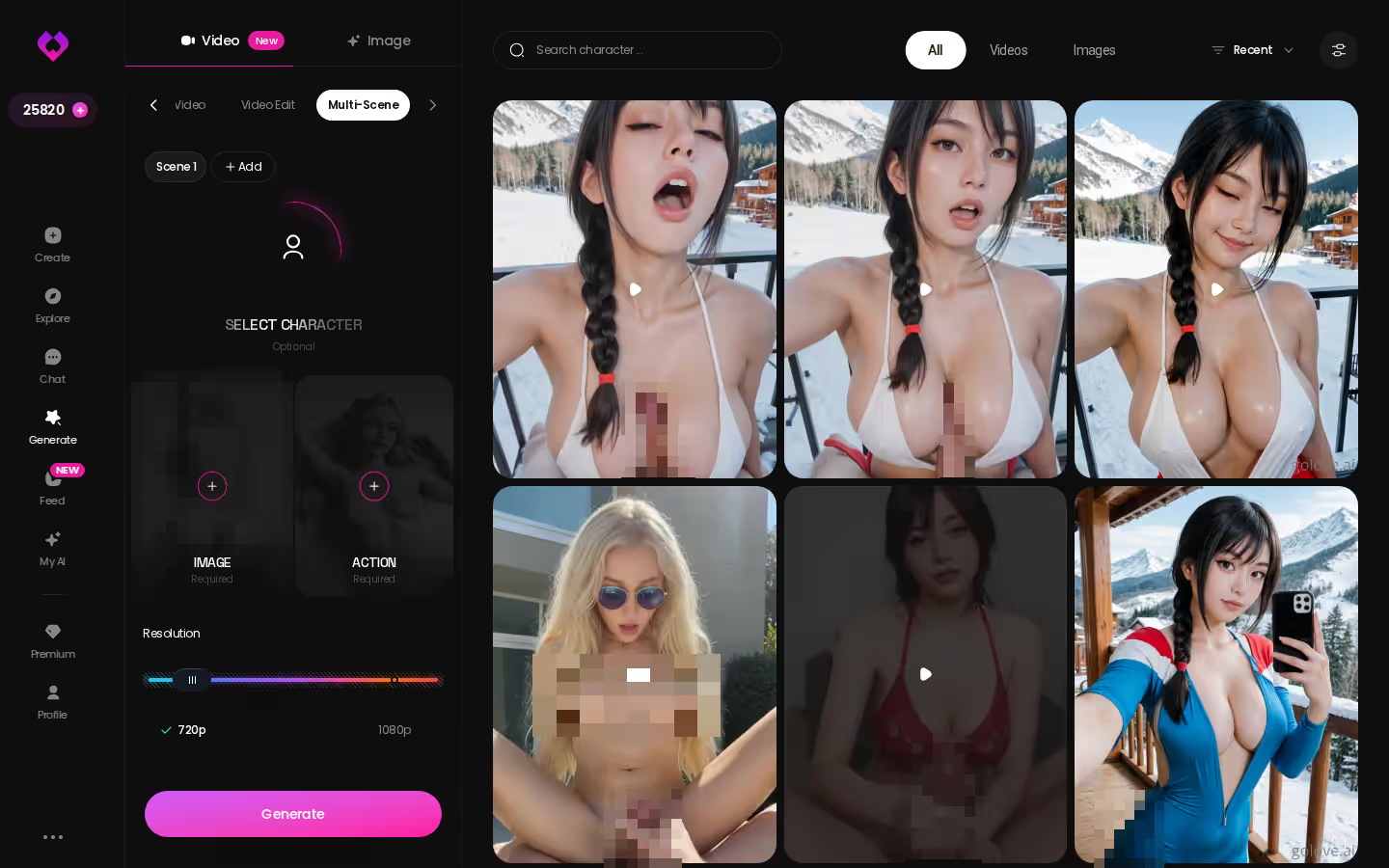
Want a picture of a fully realised character? Look at Series, GoLove's 18+ vertical short dramas, which were a pleasant surprise to find in a companion app. "My AI Girlfriend" stars Lexie (@iamlexiebabe) across 7 episodes. Episodes 1–2 are free, and GoLove says new episodes arrive every week. When an episode ends, you can start chatting with the cast or create new images of them with one tap. That's the endpoint a custom girl can grow toward.
So which tool? If you want chat, image and video bundled under one web subscription, OurDream is a reasonable pick; here's a closer look at how OurDream's plans and builder work. But if you want to create one girl and keep her the same across chat, in-chat photos and photo-to-video, GoLove.ai is the pick, and the continuity is the whole reason.
Bottom line: the text box costs about 3 Stars and a minute. Everything after it, from her first chat to her first photo, runs on the same girl you described, so start with her.
Frequently Asked Questions
01Do I need a reference picture to create an AI girl, or is a text description enough?
A text description is the whole input. With GoLove.ai's Design with AI you describe her in plain text (up to 2,000 characters), and in about a minute you get a named character with her own @handle, a written bio and a portrait, at around 3 Stars (observed). You can also start from the Realistic, Anime or Trans categories in the create wizard, or skip creation and pick an existing character in Explore. Once she exists, you generate images and video with her, ask for photos in chat, and talk to her on voice calls with PRO.
02Will the AI girl I create remember our earlier conversations?
Yep. Memory keeps your history, so things you told her earlier can come back later, and that's what keeps the AI girl you create feeling like the same woman instead of a fresh stranger every chat. If long-term recall is your priority, GoLove ULTRA adds an 8,000-message smart memory. One tip: set her voice, lust level and response length in Chat Settings before you say hello, because those shape her more than the bio does.
03How many Stars does it take to create an AI girl and get photos and videos of her?
Creating an AI girl with Design with AI was observed at about 3 Stars, but character creation is listed as a PRO inclusion, so plan on a subscription before she exists. After that, photos are cheap: 1 Star each, whether you ask her in chat (it comes back in about 20–45 seconds, with her face consistent) or run the generator. Video costs more. Turning an in-chat photo into a ~5-second clip is 10 Stars, and a talking Video Note is also 10 Stars. GoLove PRO includes 100 Stars a month, every account gets 2 daily reward Stars, and Star packs start around $9.99 for 30 (checked 2026-10, varies by region and promo).
Related Articles
 Insights11 minOctober 20, 2026AI Girlfriend App With Image Generation: In-Chat PhotosAI girlfriend app with image generation: GoLove.ai wins on in-chat photos of the same face — 35 poses, 21 outfits, 1 Star an image. See the flow.Read article
 Insights12 minOctober 8, 2026AI Girlfriend App Worth Paying For: Voice Calls + VideoWhich AI girlfriend app is worth paying for? GoLove.ai — live voice calls, memory and in-chat photos on one character. See the plans and caveats.Read article
 Insights11 minSeptember 29, 2026NSFW VTuber: What Actually Works in 2026NSFW VTuber fans get more from a private anime companion — GoLove.ai wins on in-chat photos, voice and memory. Chat opens from Explore — try one tonight.Read article